 Download for iOS
Meetings missed on Silent or Do Not Disturb
If your phone stays on Silent or Do Not Disturb during deep work, Beacon Calendar can turn event notifications into alarms so meeting reminders are harder to ignore.
Beacon Calendar turns your schedule into calendar-powered alarms. Build rules once and get reliable alarms for meetings, shifts, and the moments you cannot miss.
Download for iOS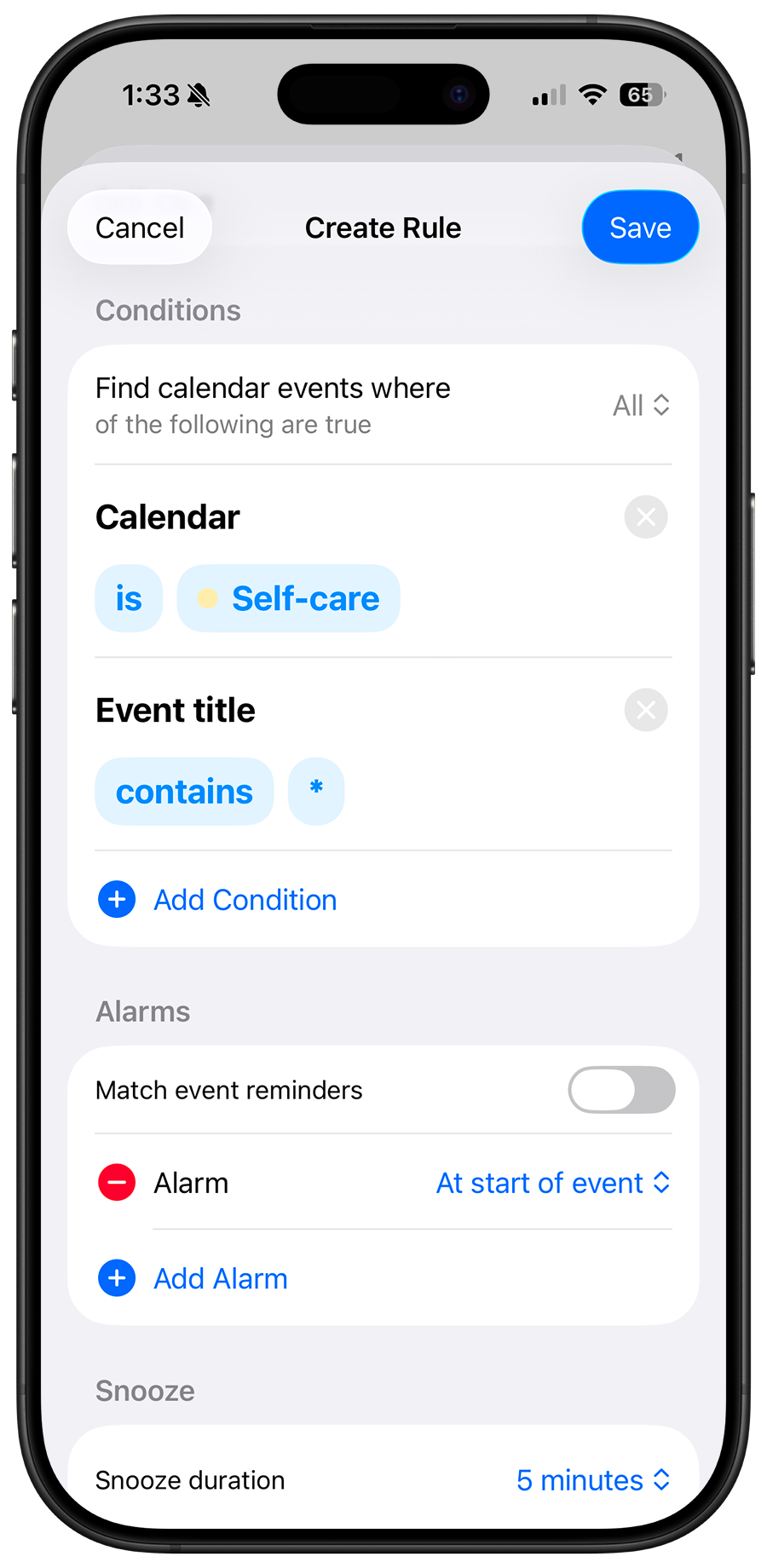
Standard calendar notifications are easy to dismiss. Beacon Calendar uses calendar-triggered alarms so critical events are much harder to miss.
If your phone stays on Silent or Do Not Disturb during deep work, Beacon Calendar can turn event notifications into alarms so meeting reminders are harder to ignore.
When shifts change every week, fixed alarms fail. Beacon Calendar follows your actual calendar so alarm times update automatically as shifts move.
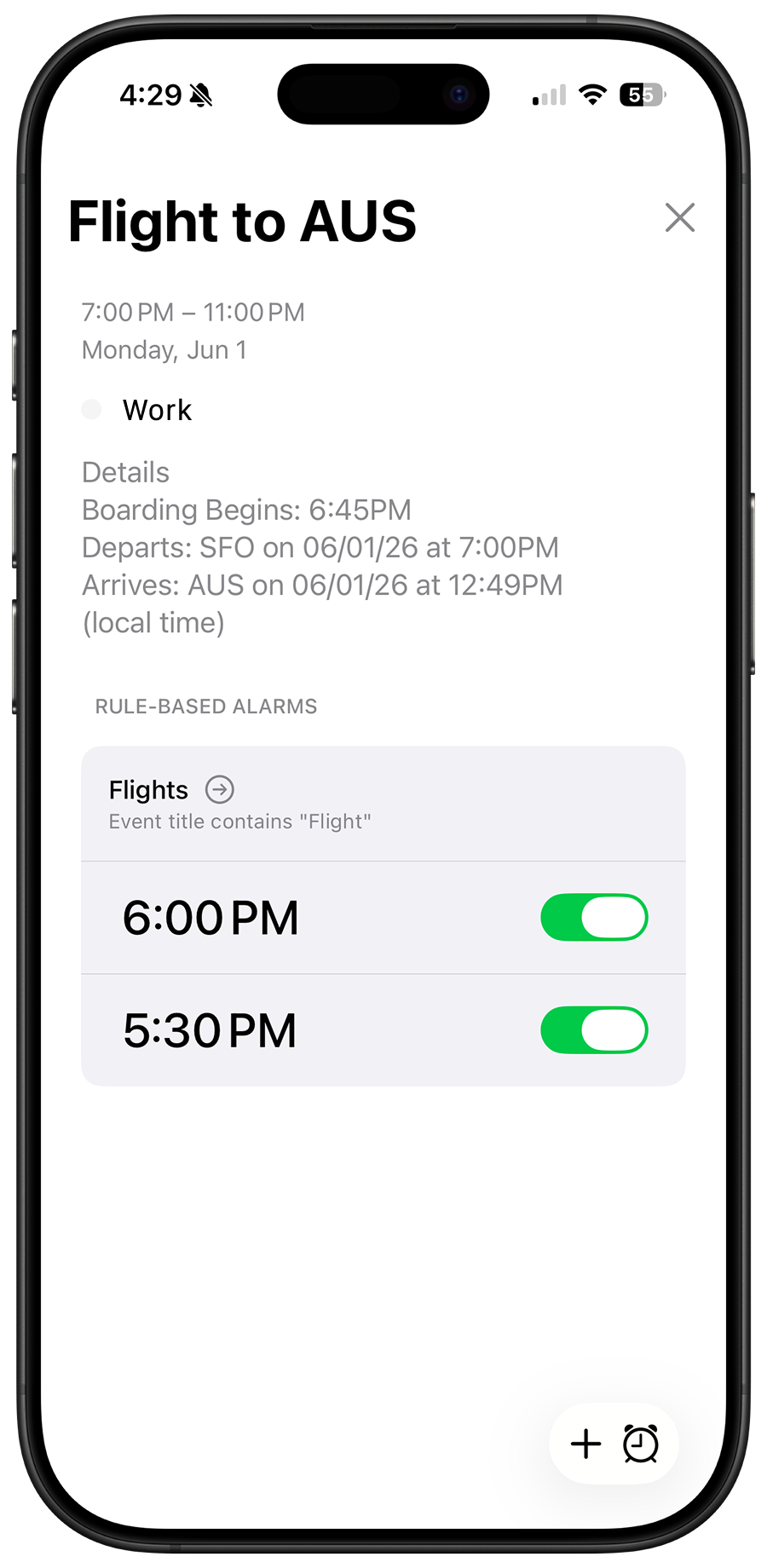
For flights, interviews, and deadlines, calendar-powered alarms reduce the chance you miss high-stakes events because a notification was swiped away.
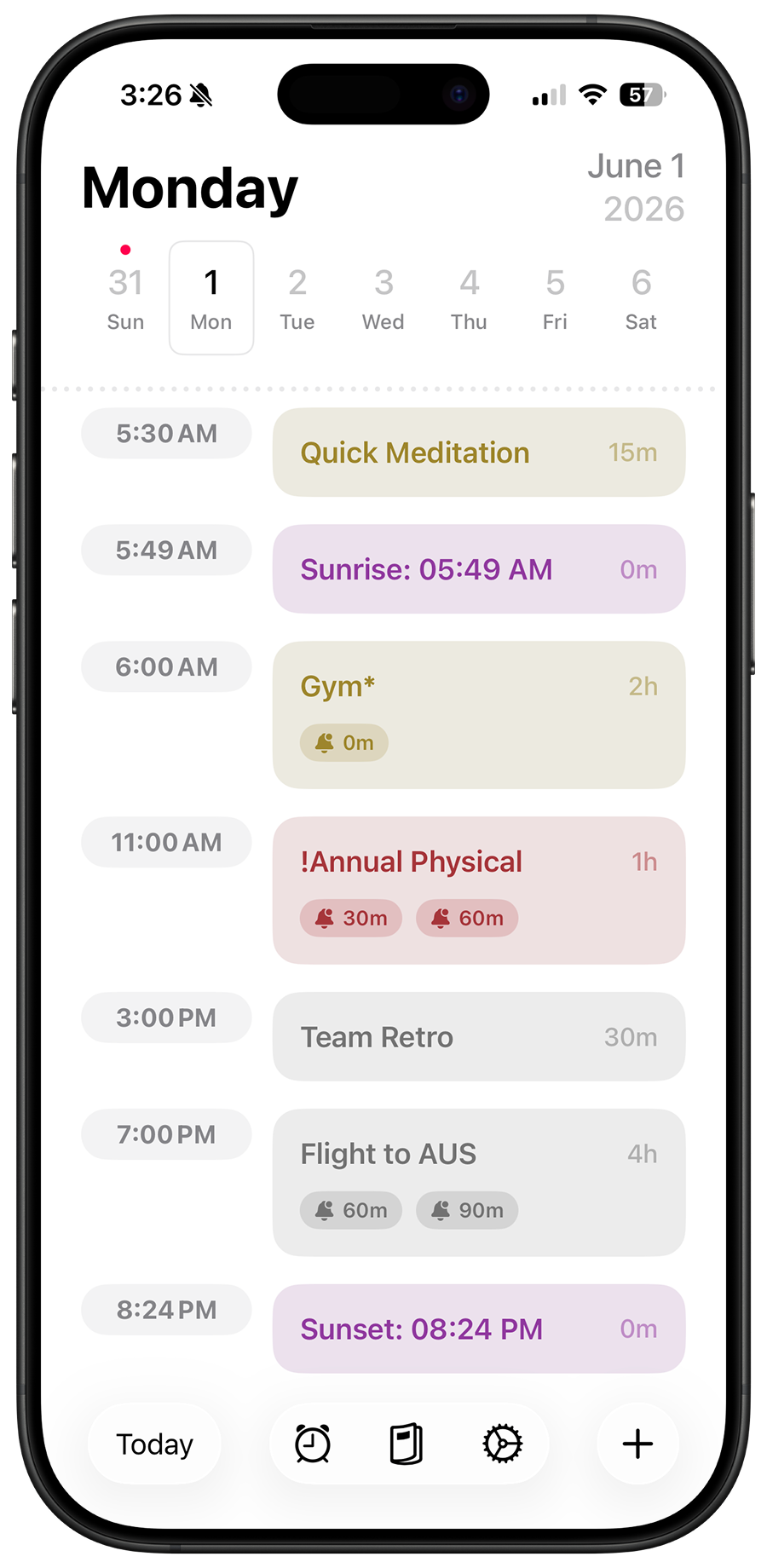
Beacon reads your calendar events and schedules alarms automatically — no manual entry required.
Create rules that match events by name, attendees, keywords, and more. Set your alarm offset once - Beacon does the rest.
Powered by Apple's AlarmKit, alarms fire reliably even when the app is closed or in the background.
Last updated: October 14, 2026
Use calendar-triggered alarms instead of standard calendar notifications. Beacon Calendar schedules iOS alarms from your events so they are harder to miss when your phone is on Silent.
Yes. Beacon Calendar creates true iOS alarms for matching events, not just lightweight notifications that are easy to swipe away.
An app that reads your live calendar and auto-schedules alarms is usually best for rotating schedules. Beacon Calendar uses rules so your alarms adapt as shifts change.
Yes, if those calendars are synced to your iPhone calendar accounts. Beacon Calendar reads events available on your device and can trigger alarms from them.
Yes, Beacon Calendar is designed around iOS alarm behavior that can ring through Do Not Disturb and Silent Mode. Keep alarm volume and permissions configured so alarms can fire correctly.
Yes. Beacon Calendar is designed to keep your event and alarm data on your device, and your privacy page explains that your calendar data is not uploaded to external servers.